
Your schedule, as a wallpaper.
For any university timetable or weekly schedule.
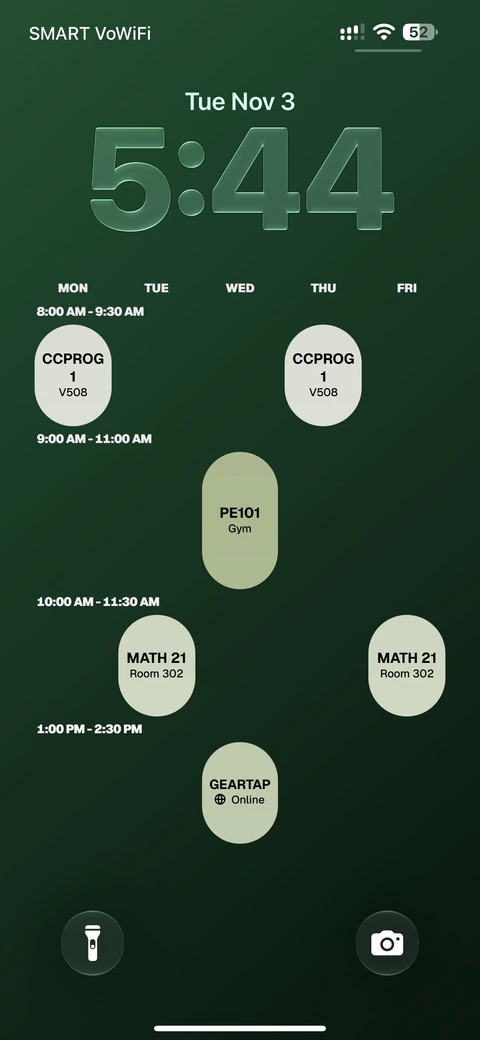
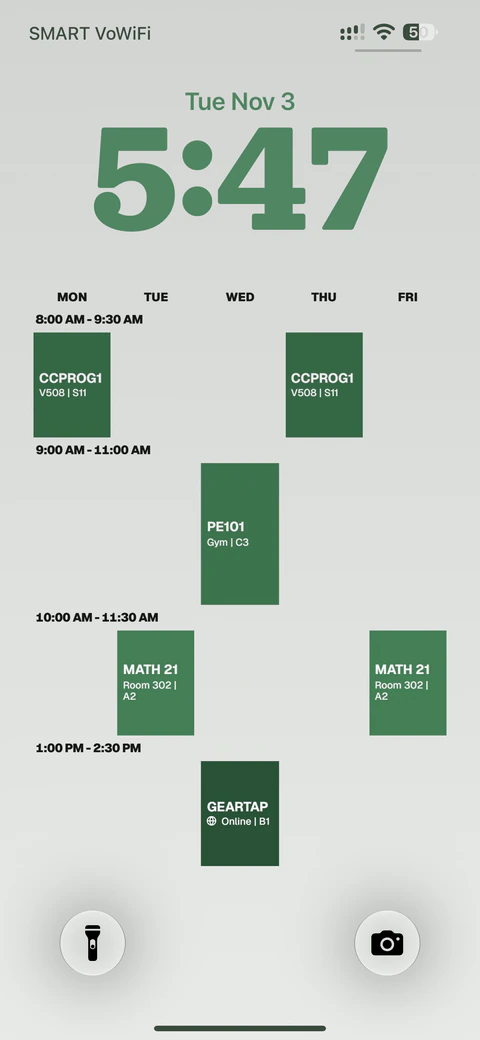
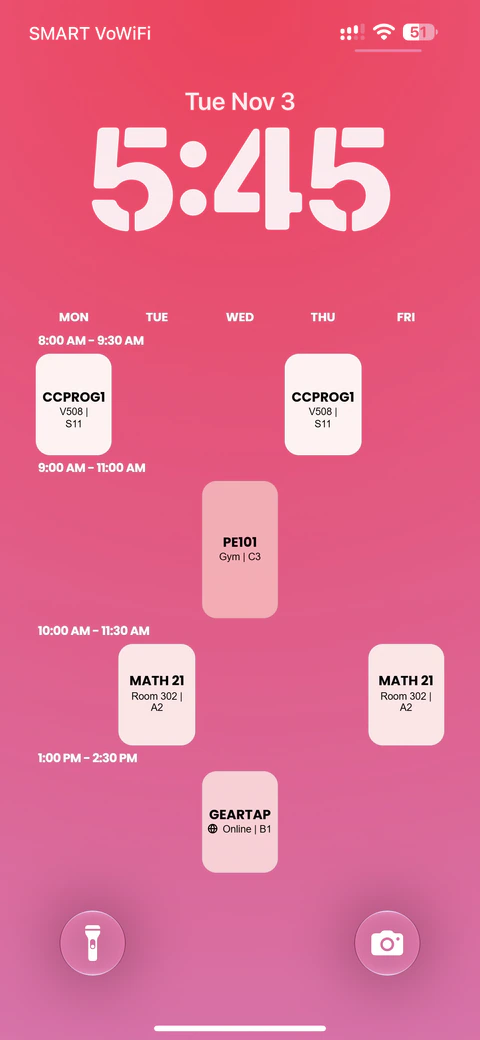
Getting started
From your timetable to your wallpaper.
What can I import?
Paste your timetable or upload a PDF or photo. Then review the classes, edit the details, and download your wallpaper.
Can I change the calendar afterwards?
Yes. Edit any class, time, room, or color. You can also use Ask Calendar to describe a change and review it before applying it.
Do I need an account?
You can create and download as a guest. Your calendars stay in this browser. Sign in to sync up to 20 calendars. Photo backgrounds stay on their original device.